
How to Store Account Recovery Codes Safely

Recovery codes are easy to overlook when you enable two-factor authentication. A service displays a set of unfamiliar strings, tells you to save them, and then moves you back to the settings page. The temptation is to take a quick screenshot and forget about it.
That shortcut can fail in two ways. The screenshot may be exposed with the rest of your files, or it may be trapped on the same device you cannot access during an emergency. Recovery codes need a storage plan because they are both powerful and rarely used.
You do not need an elaborate system. You need to understand what the codes can do, keep them away from casual access, and make sure you can still reach them when your phone is lost, replaced, damaged, or unavailable.
Understand What a Recovery Code Does
A recovery code is a backup sign-in credential. It can often replace the second factor you normally provide through an authenticator app, security key, text message, or trusted device. Some services provide several single-use codes, while others issue one recovery key or let you generate a new set.
Exact behavior varies by service. Read the explanation shown when the codes are created. Confirm whether each code works once, whether generating a new set invalidates the old set, and whether a code bypasses only the second factor or supports a broader account recovery process.
Treat every recovery code with the same care as a password. Someone who has your password and one valid recovery code may be able to enter your account without your usual device. If you have not enabled a second factor yet, start with this explanation of why two-factor authentication matters, then return to the recovery setup.
Generate Codes While You Have Full Access
Do not wait until a phone is broken or missing. Open the security settings for each important account while your normal sign-in methods still work. Look for recovery codes, backup codes, emergency codes, or a recovery key.
Start with the accounts that can unlock other accounts:
- Your primary email account.
- Your password manager.
- Your device platform account.
- Financial and payment accounts.
- Work administration and cloud accounts.
- Domain, hosting, and social accounts you manage.
Generate the codes through the service's official app or website. Do not follow a link from an unexpected email or message. A fake sign-in page can ask for a recovery code just as easily as it asks for a password. The same warning signs covered in this guide to spotting phishing attempts apply during account recovery.
Record which account the codes belong to and the date you generated them. Do not write the account password beside them. Combining every credential in one place turns one discovery into complete access.
Avoid Convenient but Fragile Storage
The easiest storage locations are often the weakest. Avoid keeping the only copy in:
- A screenshot on your phone.
- An unencrypted note or text file.
- Your email inbox or drafts folder.
- A chat with yourself or another person.
- The downloads folder on your computer.
- A cloud folder available without another security boundary.
- A photograph mixed into an automatically synchronized library.
These locations are searchable, easily copied, and commonly synchronized across devices. They may also depend on the account you are trying to recover. A code stored only inside a locked email inbox cannot help you regain that inbox.
Deleting the original download after moving the codes is important. Check the downloads folder, recycle bin, photo trash, scanner history, and any temporary location used during printing. Do not leave forgotten copies behind.
Choose Storage That Survives the Likely Failure
Ask a practical question: what event is this code meant to help with? If you lose your phone, the code must be available without that phone. If a laptop fails, the only copy should not be on that laptop. If you are locked out of a password manager, storing its recovery key only inside that manager creates a circular dependency.
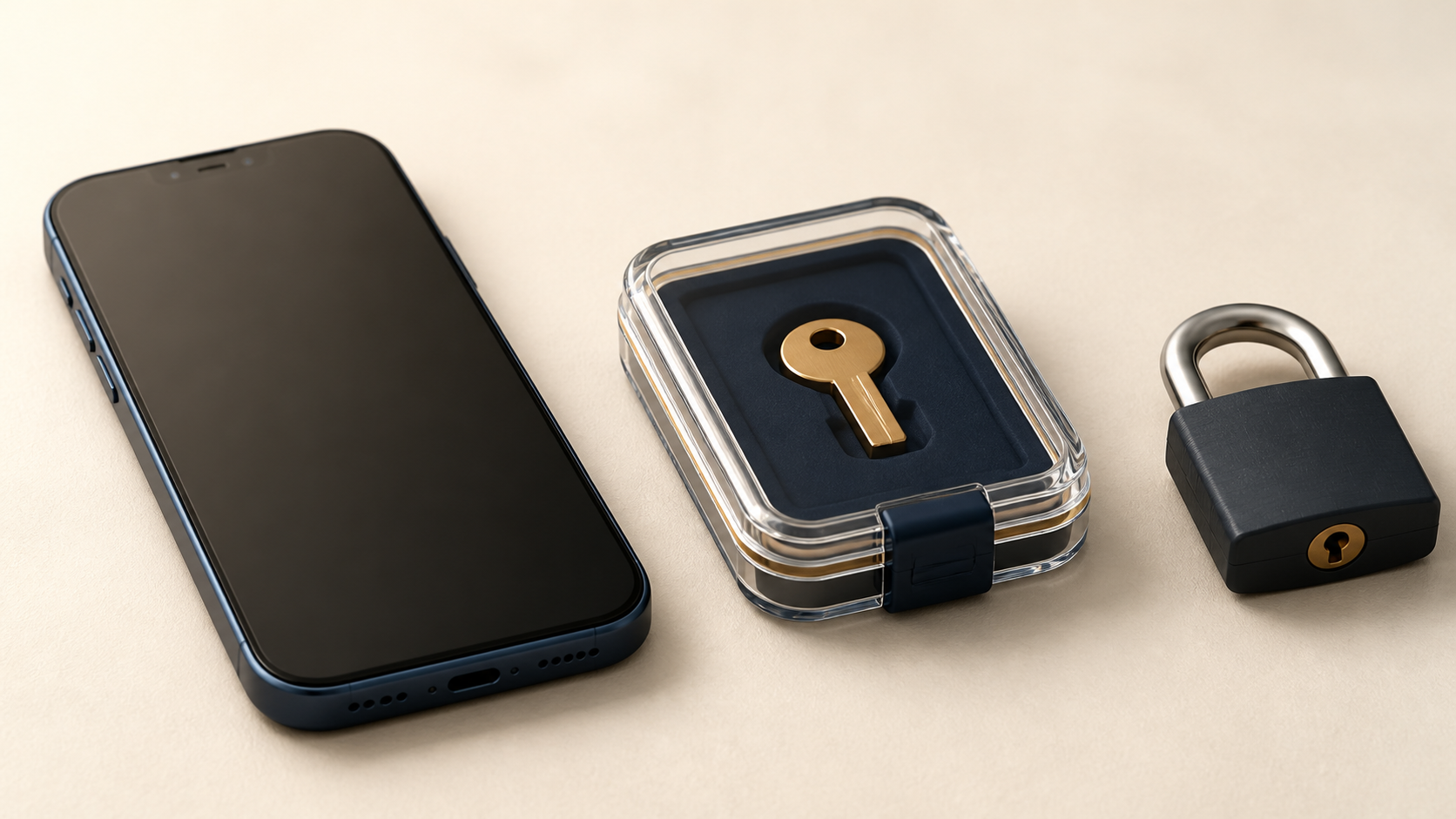
A printed copy in a sealed envelope works well for many people. Put it in a locked home safe, fire-resistant document box, or another location where you already protect passports and important records. The envelope can identify the service and account, but it should not advertise its contents to a casual observer.
Physical storage avoids online theft and does not depend on a working device. Its weaknesses are fire, water, loss, and access by people who share the location. Choose the container and placement with those risks in mind.
Encrypted digital storage can also work. A trusted password manager may store recovery codes for other accounts, provided you can access that manager during the failure you are planning for. If you are evaluating this option, use a deliberate process for choosing a password manager. Keep the password manager's own recovery material somewhere independent.
Decide Whether You Need a Second Copy
One protected copy reduces exposure. A second protected copy improves resilience. The right choice depends on the value of the account and the risks around your storage location.
For a critical account, consider two copies in genuinely separate secure places. One might be in a locked document box at home and another in a secure location you control elsewhere. Do not place two envelopes in the same drawer and call that redundancy. Fire, theft, or simple misplacement could still remove both.

Every extra copy creates another opportunity for discovery, so avoid distributing codes widely. Do not give a copy to someone merely because they are convenient. If another person must be able to help during an emergency, explain exactly when they may access it and keep the storage controlled.
Think of this as a focused backup problem. Separation, recoverability, and periodic checks matter here for the same reasons they matter in a broader backup strategy.
Keep Recovery Methods Independent
Account recovery often forms a chain. Your email resets your shopping account. Your phone approves access to your email. Your password manager stores the password for both. If every link depends on the same phone or account, one failure can lock the entire chain.
Map the important dependencies. For each critical account, identify:
- Where its password is stored.
- Which second factor it uses.
- Where its recovery codes are stored.
- Which email address or phone number supports recovery.
- Whether that recovery email has its own independent access path.
The goal is not to create many shortcuts. It is to avoid one device, inbox, or password manager becoming the only route to everything else.
Use a Code Carefully
When you need a recovery code, begin from the service's official app or a website address you already know. Enter one code only where the normal recovery flow requests it. Never send a code to a support agent, caller, or person who claims they need it to verify your identity.
After successful access, review the account's security settings. Confirm that the listed email addresses, phone numbers, trusted devices, and sign-in sessions still belong to you. Replace a lost second-factor device, remove unfamiliar sessions, and create a new code set if the service recommends it or if the stored set may have been exposed.
If codes are single use, remove or clearly mark the one you used. Do not guess later. When only a few valid codes remain, generate a fresh set and destroy every copy of the old one.
An unexpected request for a recovery code is a warning. Stop and investigate instead of entering it. Someone may already have your password or may be trying to guide you through a fake recovery process.
Review the Setup Twice a Year
Recovery material can quietly become obsolete. Accounts change, old code sets are replaced, storage locations move, and trusted people forget what an envelope is for.
Twice a year, check that:
- Every critical account has a recovery method.
- Stored codes belong to the correct account.
- The latest generated set is the one you kept.
- Physical copies remain readable, dry, and secured.
- Digital copies remain encrypted and accessible independently.
- Old copies have been destroyed.
- Recovery email addresses and phone numbers are current.
Do not consume a single-use code merely to prove it exists unless you understand the service's process and are ready to replace the set. You can usually verify the storage, account label, and recovery settings without completing a recovery attempt.
The Bottom Line
Recovery codes are emergency credentials, not disposable setup paperwork. Store them where attackers are unlikely to find them and where you can still reach them when your normal sign-in method fails.
For most people, a sealed physical copy in a locked, protected location is a strong starting point. Add a second separately secured copy only when the account's importance justifies the extra exposure. Keep password manager recovery material independent, remove temporary downloads and screenshots, and review the arrangement twice a year.
The best recovery code is quiet during ordinary life and available on the one day you genuinely need it.