
How to Protect Yourself From SIM Swapping

Your phone number may feel like part of your identity, but it is an account managed by a mobile carrier. If someone convinces that carrier to move your number to another SIM or mobile account, your phone can lose service while the other person receives your calls and text messages.
That is a SIM swap. A related attack, often called port-out fraud, moves the number to a different carrier. The technical details differ, but the practical risk is the same: someone else controls a number that many services may use for sign-in codes and password recovery.
You can make your mobile account harder to change, reduce how much access the number provides, and prepare a response plan before you need it.
Know What a SIM Swap Can and Cannot Do
A successful SIM swap does not copy every file, photo, password, or application from your phone. It redirects service associated with your number. Your physical phone may still work over Wi-Fi, but ordinary calls, text messages, and mobile data can stop.
The number becomes more dangerous when other accounts trust it. An attacker who knows or resets a password may receive a verification code by text. They may also use the number during account recovery or prevent you from receiving security alerts.
A SIM swap is often one step in a larger account takeover. The attacker may first collect personal details, steal a password, or send a convincing message. Learning how to spot phishing attacks helps because the information used against a carrier often comes from an earlier scam.
Recognize the Warning Signs
A phone losing service is not proof of a SIM swap. Outages and device problems can look similar. Treat an unexplained outage as urgent when it appears with other warning signs:
- Calls, text messages, and mobile data stop without warning in a place where service normally works.
- Your carrier sends a notice about a SIM, eSIM, device, or number transfer you did not request.
- You receive unexpected password-reset messages or account sign-in alerts.
- Your carrier account password or PIN stops working.
- Friends receive unusual calls or messages from your number.
- Email, financial, social, or cloud accounts show changes you did not make.
Do not wait for every sign to appear. If restarting the phone and checking a known carrier outage page do not explain the loss of service, contact the carrier from another device.
Lock Down Your Mobile Carrier Account
Sign in through the carrier's official app or type its known address into your browser. Do not follow a link from an unexpected message.
Set a unique account password. Then add the strongest separate account PIN or passcode the carrier supports. A device screen-lock PIN and a carrier account PIN serve different purposes, so setting one does not replace the other.
Look for a feature named number lock, port lock, SIM protection, transfer lock, or account takeover protection. Enable the option that blocks a number transfer or SIM change until you deliberately unlock it. Make sure an attacker could not easily answer its security questions from public information.
Check the authorized users, contact details, email address, mailing address, and backup numbers on the account. Remove people who no longer need access. If the carrier offers alerts for SIM changes, number transfers, new devices, or profile updates, turn them on through more than one channel when possible.
These controls raise the barrier. The bigger improvement is reducing the number of important accounts that depend on text messages.
Move Important Accounts Away From Text Codes
Start with your primary email account because it can reset many others. Then protect financial services, cloud storage, password managers, domain accounts, work tools, and social profiles.
Where available, replace SMS verification with a passkey, hardware security key, or authenticator app. These methods do not send the login code through your mobile number. A security key or passkey can also resist fake sign-in pages better than a code you manually type.
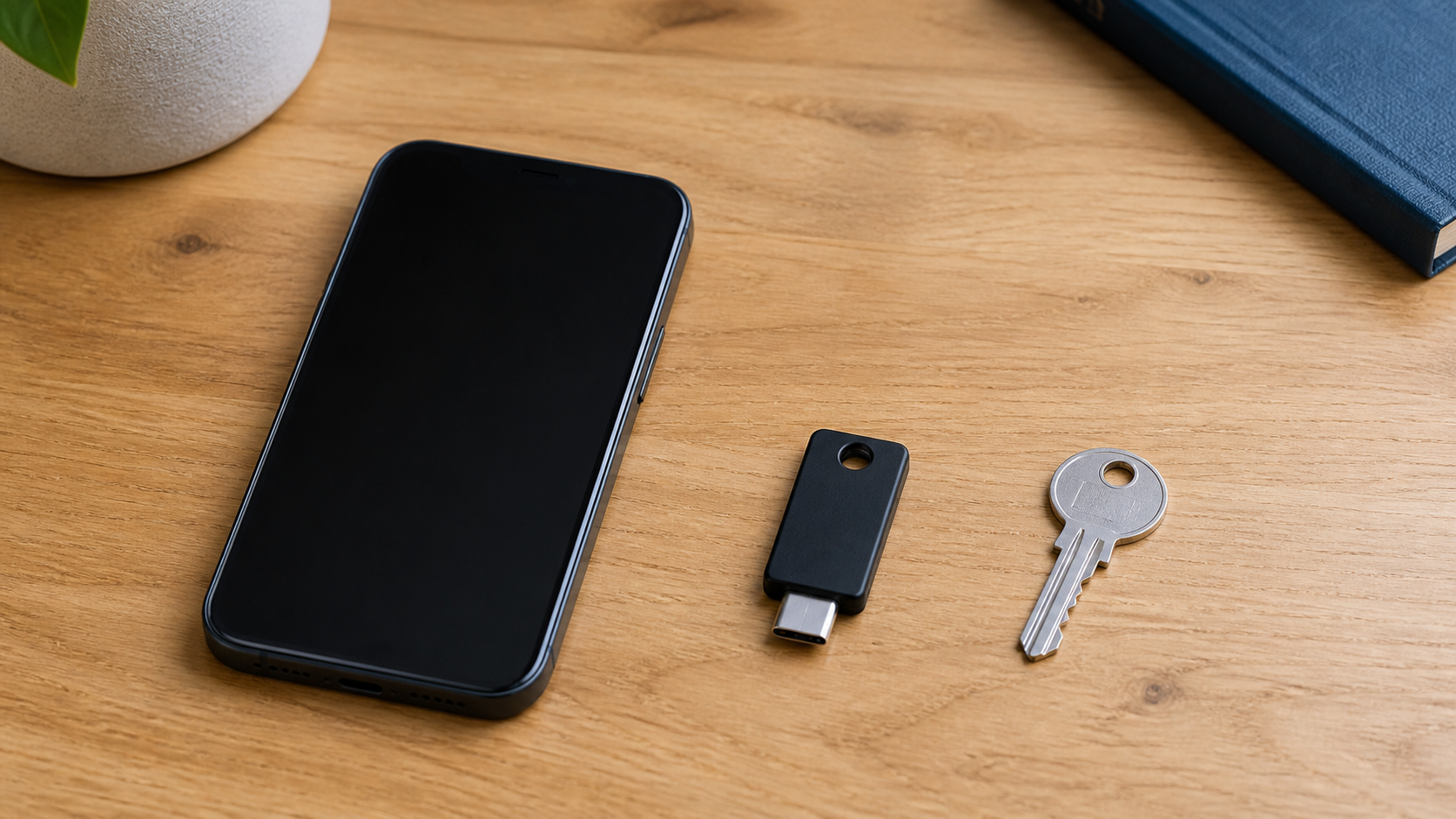
Some services support only text messages. Keep SMS authentication enabled there if the alternative is no second factor at all, but treat those accounts as more dependent on carrier security. This guide to why two-factor authentication matters explains the broader value of adding another sign-in factor even when the available method is not ideal.
After changing an authentication method, verify it before signing out. Add a second security key or another approved recovery method when supported.
Protect the Passwords That Make the Attack Useful
A hijacked number is far more damaging when an attacker also has your passwords. Use a unique password for the mobile carrier, primary email account, and every important service. Reusing the same password across those accounts allows one breach or phishing attempt to unlock several parts of your recovery chain.
A trusted password manager makes unique passwords practical. It may also flag the wrong site by withholding credentials for an unrelated domain. If you are still deciding how to manage credentials, review this guide to choosing the right password manager.
Do not store the carrier PIN in a note that appears on your locked phone screen or in an unprotected email draft. Keep it with the rest of your protected credentials. Also protect the email account used by the carrier, since access to that inbox may help someone reset the mobile account password.
Share Less Information That Helps Impersonation
Attackers may use details gathered from social profiles, public records, old breaches, or direct conversation to sound convincing. Review what you publish about your full name, phone number, address, birthday, employer, relatives, and travel.
Avoid treating public facts as secret answers. If a service still uses security questions, create answers that are not truthful public facts and store them in your password manager. Never give a caller a one-time code, carrier PIN, or password because they claim to be stopping fraud.
If someone contacts you about an urgent mobile account problem, end the conversation. Contact the carrier through its official app, a number printed on a bill, or another channel you already trust.
Prepare Recovery Before Service Fails
Write down the carrier's fraud or account-recovery contact route and keep it available without the affected phone. Know the account holder's name, account number, and approved recovery details.
Save recovery codes for important online accounts when they are offered. Store them somewhere secure and reachable even if your phone is unavailable. The safest arrangement depends on your situation, but storing account recovery codes safely gives you a practical starting point.
Keep a short list of accounts that use your number for sign-in or recovery. Prioritize email, banking, payment, password manager, cloud, workplace, and social accounts.
What to Do If You Suspect a SIM Swap
Act from a device you trust. Use Wi-Fi if your phone still works without cellular service, or use another phone and computer.
- Contact the carrier immediately and report an unauthorized SIM change or number transfer.
- Ask the carrier to restore the number, secure the account, and explain what changed and when.
- Change the carrier password and PIN after access is restored.
- Secure the primary email account next. Change its password, review active sessions, and remove unknown recovery methods.
- Work through your priority account list. Change compromised passwords, sign out unfamiliar sessions, and verify recovery details.
- Check financial accounts for unauthorized transfers, purchases, new payees, or profile changes. Contact the institution through a known channel if anything is wrong.
- Tell relevant contacts if messages or calls may have been sent from your number.
- Preserve carrier notices, account alerts, times, and case numbers for reports or disputes.
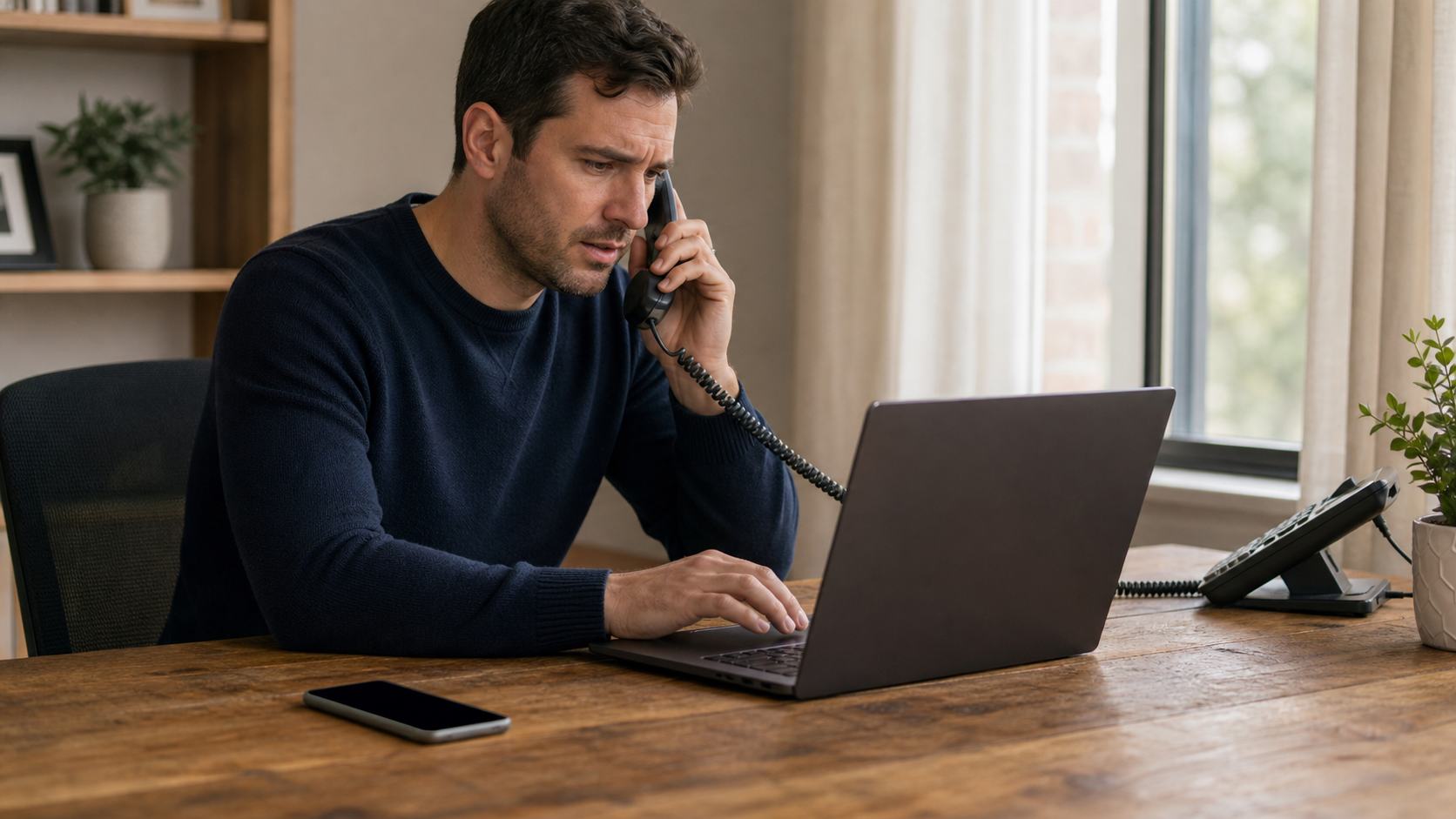
Restoring service stops the immediate diversion, but an attacker may already have changed passwords, created sessions, added recovery addresses, or moved money. Review every important account that trusts the number.
A Practical SIM Swap Protection Checklist
Use this list for an initial cleanup and periodic review:
- Set a unique carrier password and separate account PIN.
- Enable the carrier's number lock, port lock, or SIM protection feature.
- Review authorized users and account recovery details.
- Turn on alerts for SIM, device, number-transfer, and profile changes.
- Move important accounts from SMS to passkeys, security keys, or authenticator apps where available.
- Secure your primary email account before lower-priority accounts.
- Save recovery codes outside the phone in protected storage.
- Keep carrier contact details and a prioritized account list available offline.
- Treat unexplained loss of service plus account alerts as urgent.
The Bottom Line
SIM swapping turns a familiar phone number into a path toward other accounts. The best defense is not a single setting. It is a combination of carrier protections, stronger authentication, unique passwords, limited public information, and a recovery plan that does not depend on the affected phone.
Start with the carrier PIN and number lock. Then move your primary email and financial accounts away from text-message codes where stronger options exist. Those steps reduce both the chance of a successful transfer and the damage one can cause.